
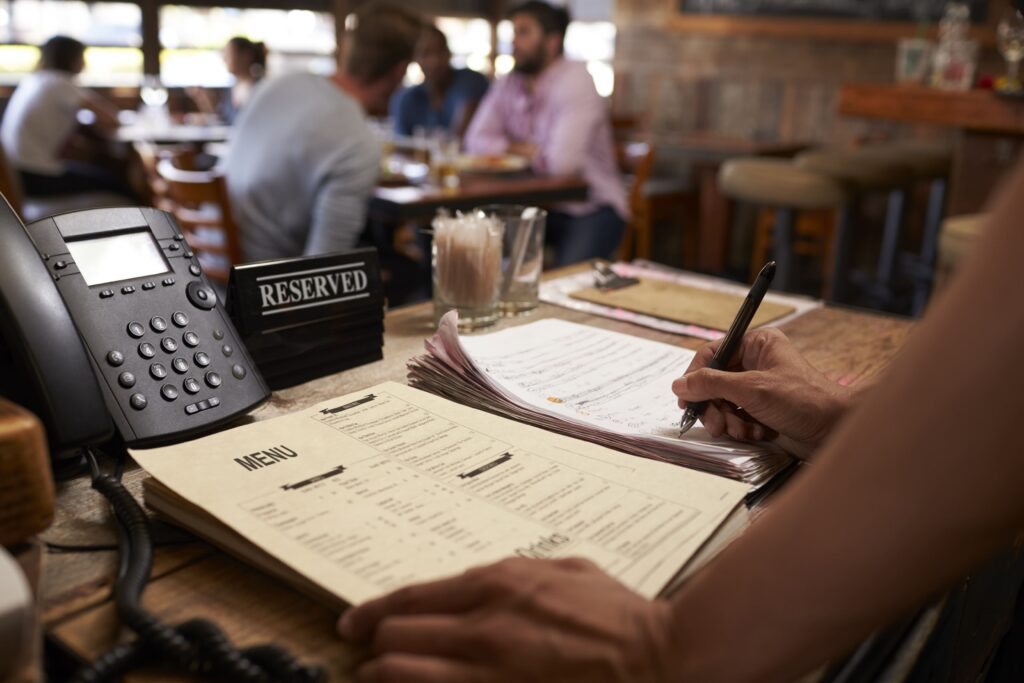
A restaurant menu is more than just a list of dishes—it’s your silent ambassador, your hidden salesperson, and often the reason why customers either come back or never return. In today’s competitive F&B market, your menu can be the difference between success and failure.
In this article, we’ll uncover 5 common menu design mistakes that unknowingly push customers away—and share practical solutions you can apply immediately.
The Problem:
Packing too many items into limited space creates visual overload, making it difficult for customers to decide.
Example:
A menu with 100 items crammed into just two pages, with dense text and no spacing.
The Solution:
Reduce your offerings to an optimal selection that satisfies most customers
Use white space to improve readability
Categorize dishes into clear sections
The Problem:
Prices or key details are unclear or placed in unexpected spots, which can make customers feel you’re being deceptive.
Example:
Prices hidden in small font or placed far away from the dish name.
The Solution:
Display prices clearly in a consistent column
Use legible font sizes
Avoid vague or hidden charges
The Problem:
Using bland or generic descriptions that fail to excite or spark curiosity.
Example:
Just writing “Meat” instead of “Charcoal-grilled beef steak”, or “Black Coffee” instead of “Freshly roasted black coffee brewed daily.”
The Solution:
Use sensory adjectives that paint a picture
Mention key ingredients or preparation style
Vary your wording to keep it engaging
Highlight quality and uniqueness
The Problem:
Placing dishes in an illogical order that confuses customers and lowers sales potential.
Example:
Listing desserts before appetizers, or mixing drinks with main courses.
The Solution:
Start with light appetizers
Follow with main courses
Then beverages
End with desserts
💡 Pro Tip: Place your most profitable dishes in visually prominent areas.
The Problem:
Relying solely on printed menus, while neglecting digital formats that most customers prefer today.
Example:
A restaurant with only a printed menu, no QR code, and no digital version on Google Maps.
The Solution:
Offer a digital menu via QR code alongside print
Add your menu link to Google Maps for better visibility
Design a mobile-responsive version
Keep visual consistency between print & digital
💡 Why Google Maps Matters:
Many customers first discover restaurants through Maps
Increases your chances of appearing in local search results
Lets customers preview your menu before visiting
Helps new customers decide faster
Here are the 5 steps to transform your menu into a powerful tool:
Simplify content and reduce clutter
Make pricing and details crystal clear
Craft engaging dish descriptions
Organize logically for a smooth flow
Go digital and mobile-first
Analyze your current menu
Identify weak points
Apply one improvement each week
Collect customer feedback
💡 Final Thought:
A great menu isn’t just a list of dishes—it’s a curated dining experience that guides your customer through a journey of flavors and keeps them coming back for more.
👉 Ready to transform your menu into a powerful sales tool?
At Baseera, we analyze your current menu for free and create a tailored improvement plan designed for your restaurant and your audience.